
During sign-up, associations (charities, non-profits, and sporting entities) need to provide their association number. You can find it through ASIC or ACNC.
Option 1 — ASIC Connect
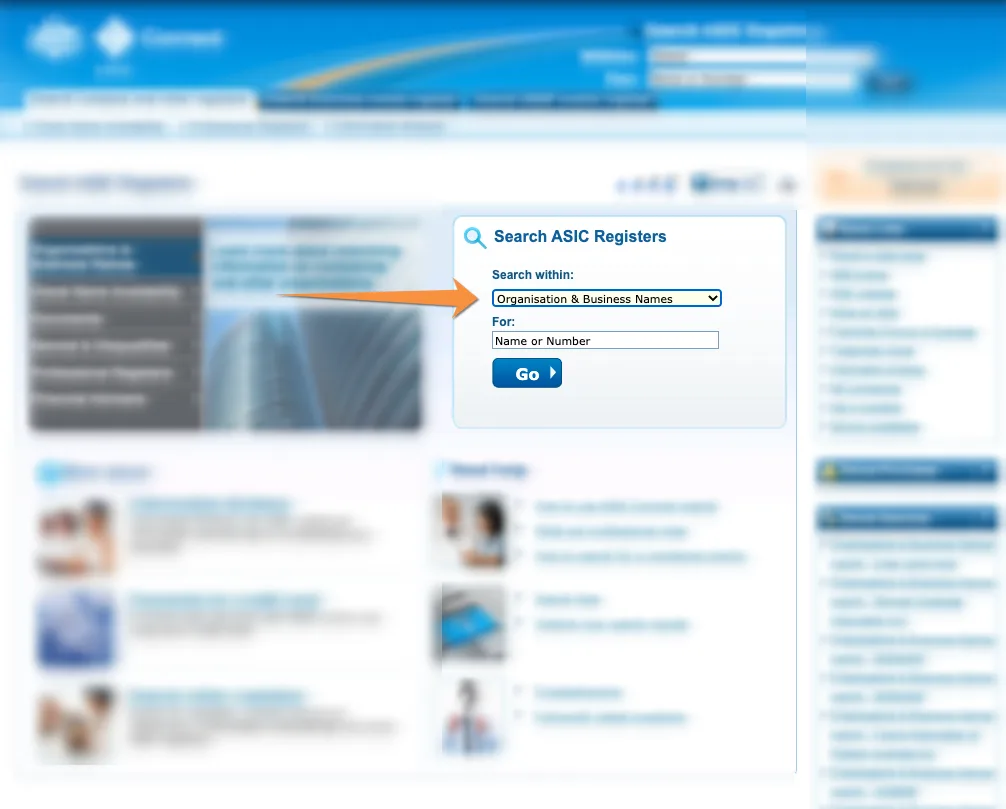
- Go to the ASIC Connect website.
- Under Search within, select Organisation & Business Names.
- Enter your organisation name and click Go.
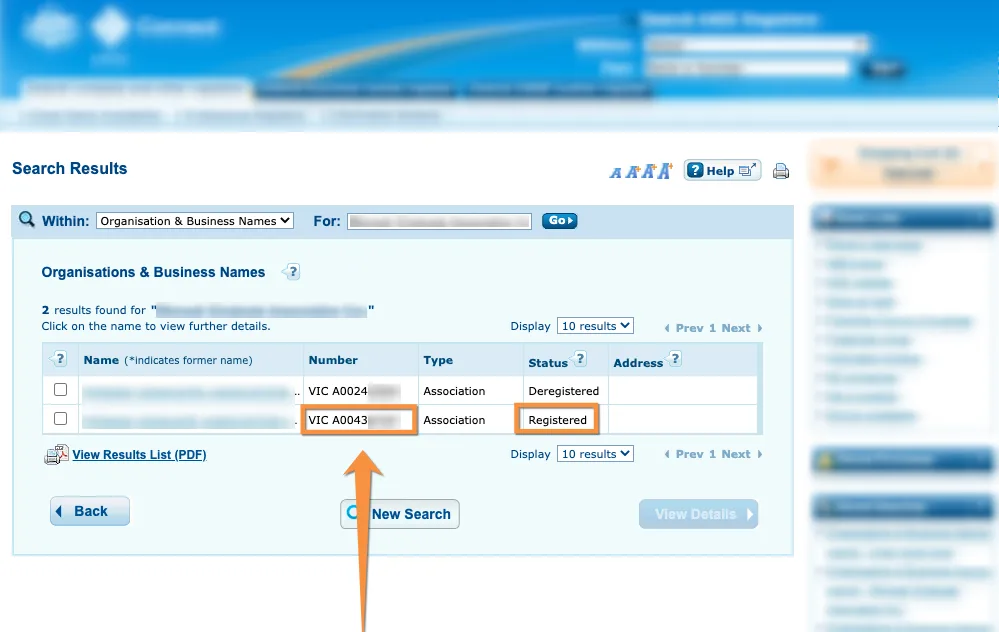
- Find your organisation in the results and verify the status is Registered.
- Your association number is displayed with a state code (e.g. VIC A123456789).
- Copy the number without the state code (e.g. A123456789).
Option 2 — ACNC Charity Register
- Navigate to the ACNC Charity Register.
- Search for your charity by name, ABN, or location.
- Select your charity from the results.
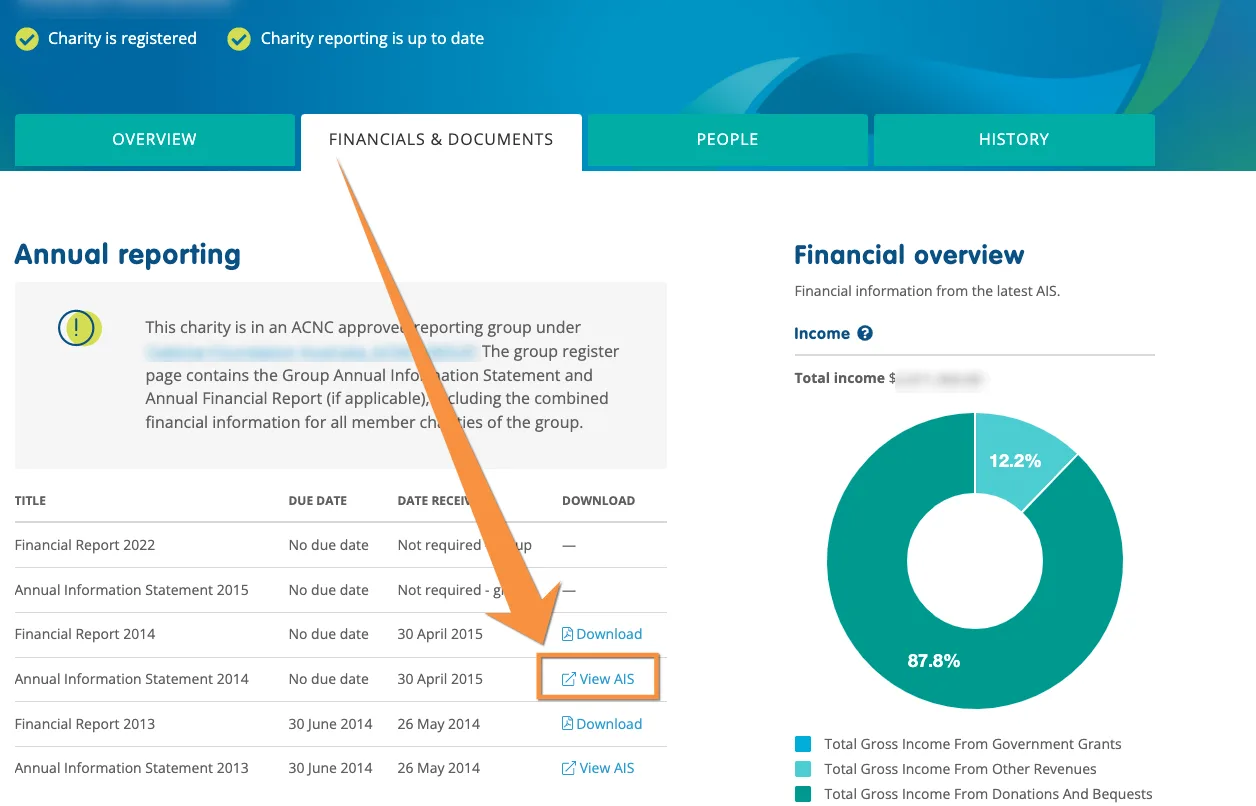
- Open the Financial & documents tab and find an annual information statement.
Note: Once you have your association number, enter it in the Budgetly sign-up form when prompted.
Common questions
Do I enter the state code with my association number?
No. Enter the number without the state code (e.g. A123456789, not VIC A123456789).
My organisation doesn't appear on ASIC or ACNC. What do I do?
Contact support with your organisation details. Some entities may be registered under a different name or structure.