
You must add and verify your business bank account before you can deposit funds into Budgetly. Only verified accounts can be used for deposits.
Important: The account name must match your company’s legal name. Deposits from non-matching accounts will be rejected.
How to add a bank account
| Field | What to enter |
|---|---|
| Bank / Financial Institution | Your bank’s name |
| Account Legal Name | Exactly as it appears on your bank statement |
| Branch / BSB | Your 6-digit BSB |
| Account Number | Your account number |
| Supporting document | A bank statement or letter dated within the last 3 months |
- Click Accounts in the sidebar.
- Scroll to the Verified bank accounts section.
- Select Add bank account.
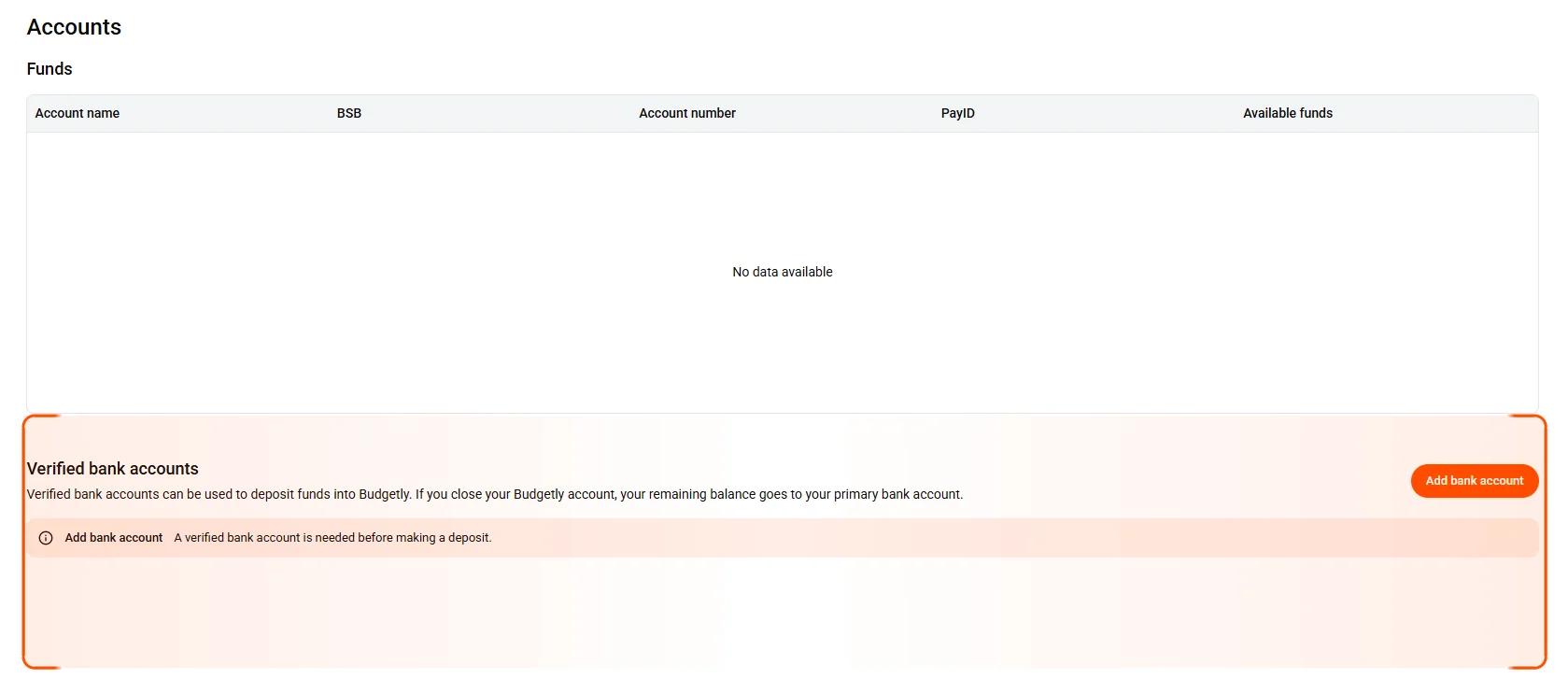
- Complete the following fields:
- Bank / Financial Institution
- Account Legal Name (as it appears on the bank statement)
- Branch / BSB
- Account Number
- Upload a recent bank statement or letter.
Note: The document must be dated within the last 3 months and clearly show the BSB, Account Number, and Account Name.
- Click Add account.
What happens after verification
Once your bank account is verified, the status changes to Verified in the Accounts table. You can then:
- Deposit funds via PayID or bank transfer
- The Deposit funds step in the setup wizard unlocks
Verification is typically processed within 1–2 business days. If your account hasn’t been verified after 2 business days, email support@budgetly.com.au and we’ll follow it up.
Common questions
How long does verification take?
Typically 1–2 business days. If it’s been longer than 2 days, email support@budgetly.com.au and we’ll follow it up.
Can I add more than one bank account?
Yes. You can add multiple bank accounts and verify each one separately. Only verified accounts can be used for deposits.
I deposited from an account I hadn't verified. What do I do?
Contact us via support ticket with the receipt of transfer, BSB, Account Number, and Account Name. We’ll arrange for the funds to be returned.